
Don’t fall for a filter
Preview their profile photo with AI before spending time or money.
Local previews are available now. AI processing is in development.
It costs more than a coffee.
By the time you meet, you may already have spent days chatting and kept a whole evening free.
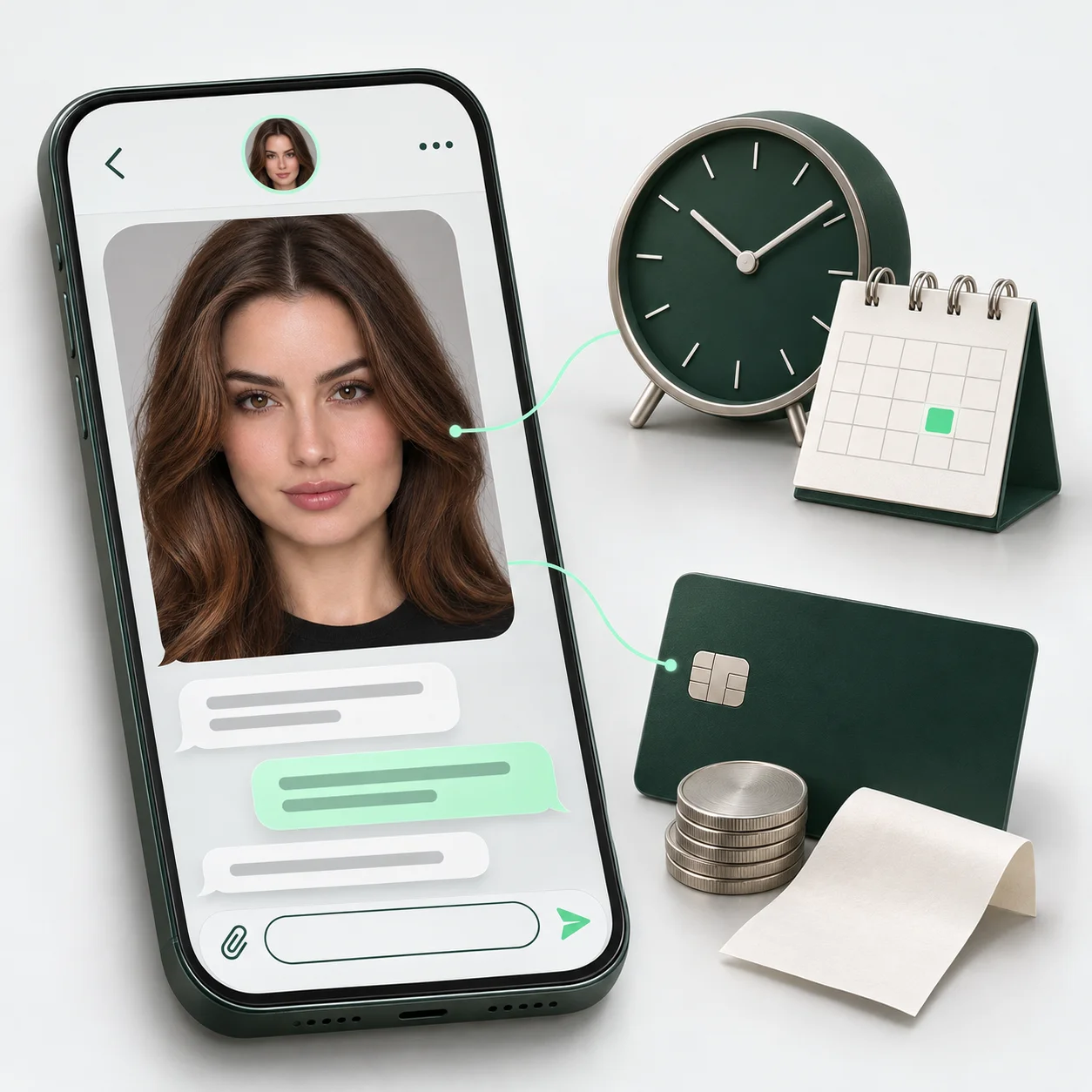
Your time
Getting ready and crossing town can take longer than the date itself.
Your money
Coffee for two, a ride home, a dinner reservation. Even a short date can add up.
Your feelings
After a week of goodnight texts, it’s easy to feel close to the person you picture.
Edited photos do not establish deception. Requests for money are a separate safety issue — learn the warning signs. Read about money requests
How it works
The mobile test build supports store test checkout. AI processing for your own photo is still in development.
Watch the comparison
Drag the divider on the sample portrait. Look at skin texture, eye size and the shape of the jaw.
Choose a portrait
Pick a photo you have permission to use. The app checks for a face on your device.
Open your preview
Your own photo appears behind a soft blur. In the mobile test app, tap Unlock to see the available plans and prices.
Look at the eyes, skin and jawline.
Smoothing softens pores. Eye enlargement changes proportions. Face slimming pulls the jawline inward. Move the divider to see where the edits show up.
A flattened, edited photo does not contain everything that was removed. AI cannot promise the original face, camera settings or identity behind it.
Understand what AI can and cannot do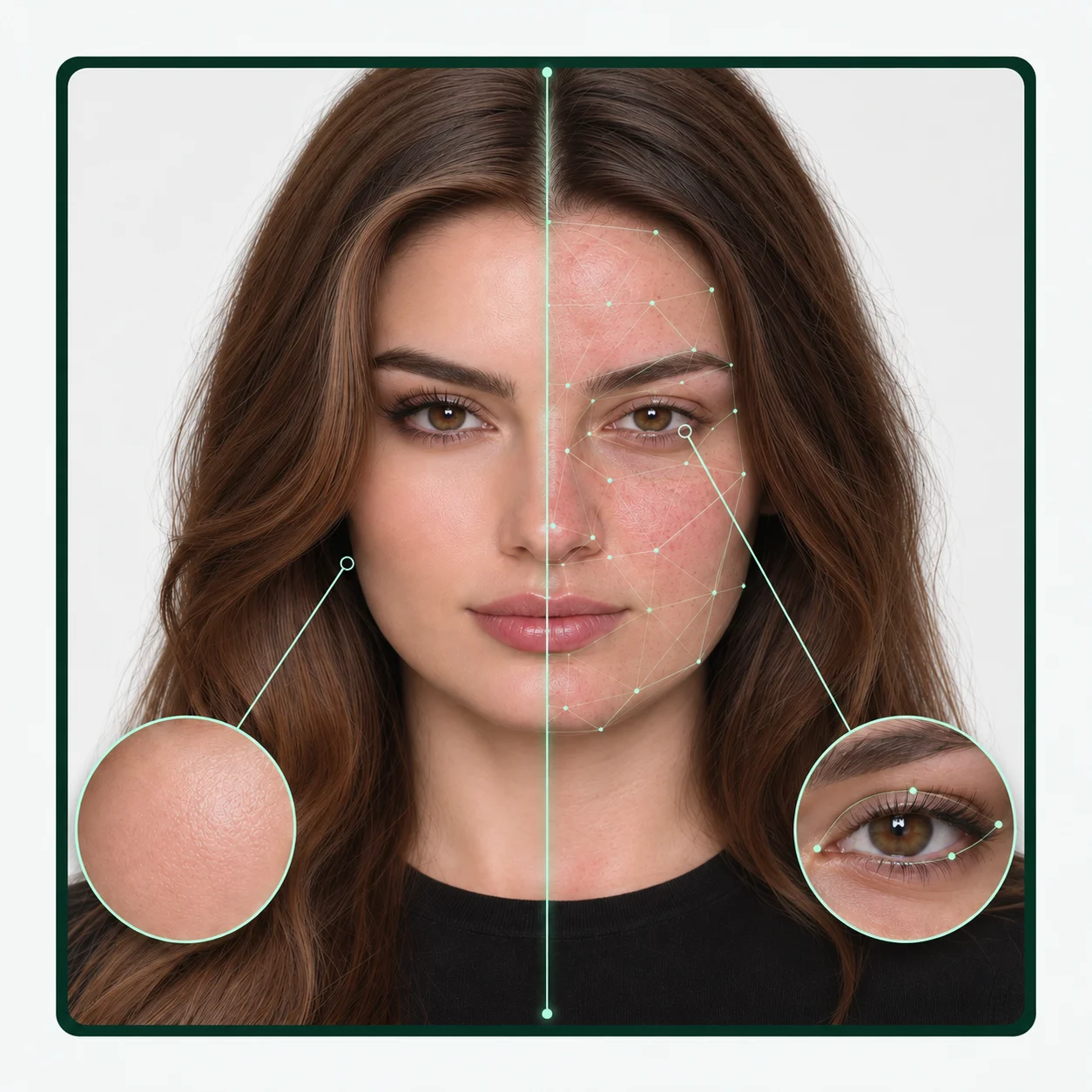
Photo guides
Can AI restore the exact original photo?
No. Beauty edits can discard or invent detail. An AI output can suggest a plausible appearance, but it cannot verify the original face or recover missing camera data from a single edited image.
Does the current app process my photo with AI?
Your photo stays on your device. The moving scan and blurred preview run locally. The comparison uses a prepared example. AI processing for personal photos is still in development.
Where is my photo history stored?
On the device or browser where you used the app. History keeps up to 10 photos within 64 MiB. Items older than 30 days are removed the next time history is accessed. You can delete items or clear all history.
Can this tell me whether someone is a scammer?
No. Appearance and beauty filters are not evidence of intent or identity. If an online match asks for money, pause the transfer and use the separate safety guidance from your platform and relevant authorities.
Try it before your next date.
Open the sample portrait and move the divider to see the edits for yourself.